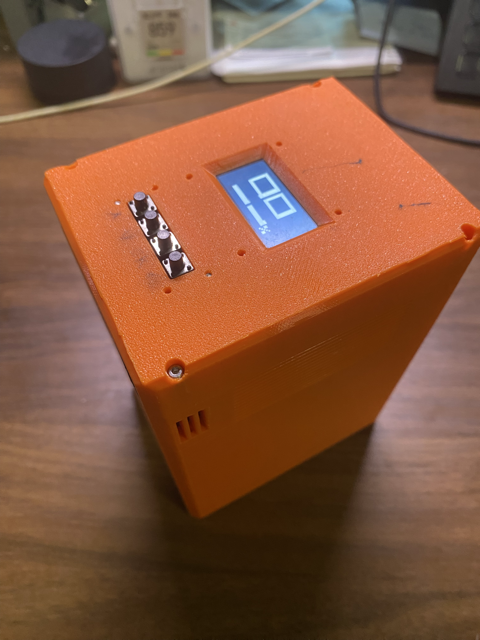
Display Power Bank – 2021
I wanted a power bank that could charge my laptop more than once. Most packs stay under 100 Wh due to FAA limits, which wasn’t enough. This build started after I salvaged a UPS battery with ~99% capacity left. I’m not planning to take it on a plane...
I don’t remember exactly when it happened. I think 2023, but at some point it turned into a trend, now a lot of power banks have displays showing watt-hours, voltage, and other stats. Anker even has a few nice ones now.
Table of Contents
- Specifications / Features
- Design
- User Interface
- Code
Specifications / Features
This power bank uses higher-capacity cells. Key specs include:
- 210Wh capacity using 18650 cells
- 100W discharge and charge capability
- Output ports:
- 1× USB-C (100 W)
- 1× USB-C (60 W)
- 1× USB-C (30 W)
- 1× USB-A
- OLED screen for monitoring battery capacity, power output, voltage, and temperature
- Semi-automatic battery capacity calibration
- Temperature sensor + controllable cooling fan
- Sleep mode for low standby drain
Design
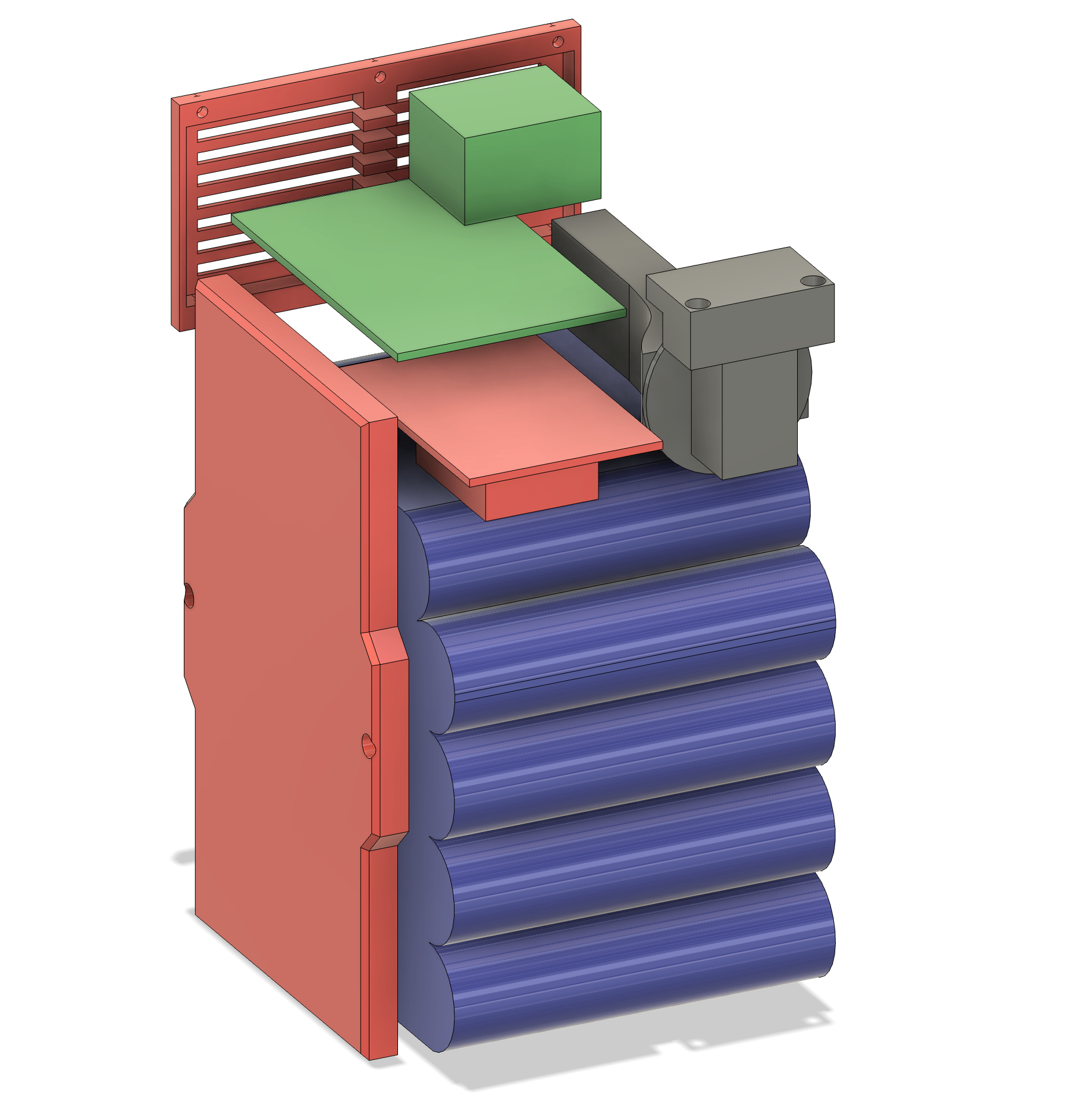
Everything in this build is put together using off-the-shelf modules. There only 1 super simple hand solder circuit.
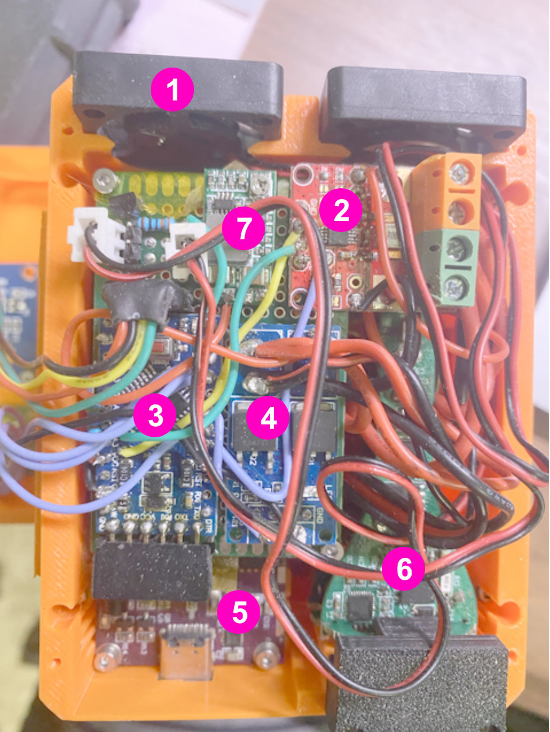
Main components include:
- 1. PWM Fan
Controlled automatically based on temperature readings. - 2. INA226 Module
Bidirectional current and voltage monitoring. I got lucky, this came with a good precision shunt resistor, so no recalculations were needed. It also includes a 16-bit ADC for accurate readings. - 3. Arduino Pro Mini (8 MHz)
Handles all logic, display output, and sensor data processing. Tried and true. Most of commercial product not going to use ATmega processor, it is quite slow in modern standard, and not good at driving display graphics. - 4. Simple MOSFET Switch Module
Works similar to a normally-open relay. Used to turn the car charger module (#6) on/off to avoid high idle power consumption. - 5. IP2368 100 W Bidirectional Fast-Charging Chip
Supports simultaneous charge/discharge through the same USB-C port system. - 6. 12 V Car Charger Module
Salvaged from an unused car adapter. Has 2× USB-C and 1× USB-A outputs.
Downside: high idle power draw (~0.3 W), which is why it’s switched using the MOSFET.
User Interface
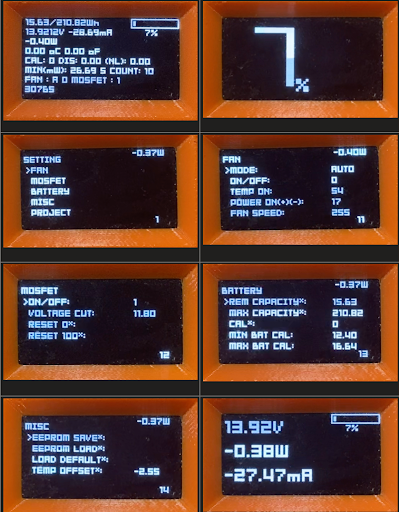
The UI is simple and easy to navigate. The main screens display:
- Battery percentage
- Estimated capacity (Wh)
- Power output / input
- Voltage and current
- Temperature
There’s also a settings menu for calibration, fan control, sleep options, and other adjustments. Below are examples of some UI screens and settings (shown in the images).